How vinotally works
The full walkthrough — from the cellar rack to a finished inventory.
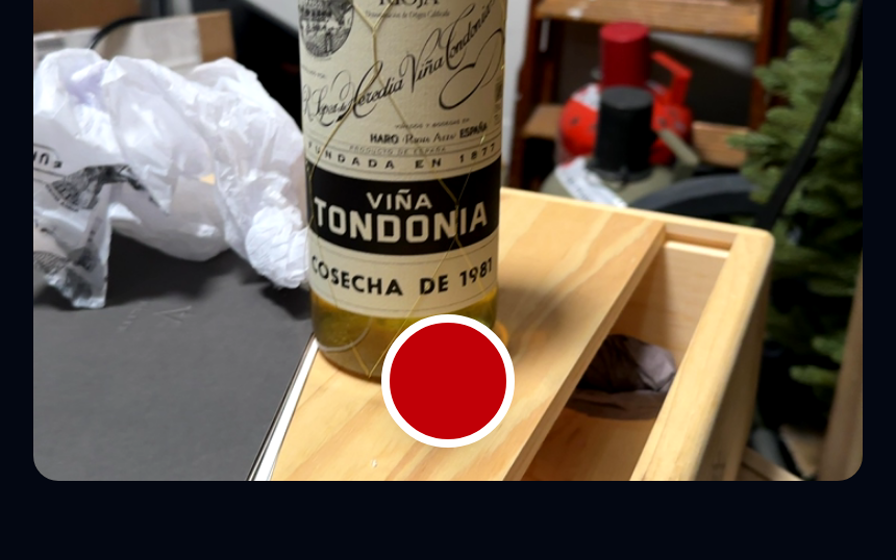
1 · Photograph — no signal needed
Walk through your cellar and photograph labels. No connection required: photos are stored in a local queue on your device and never get lost.
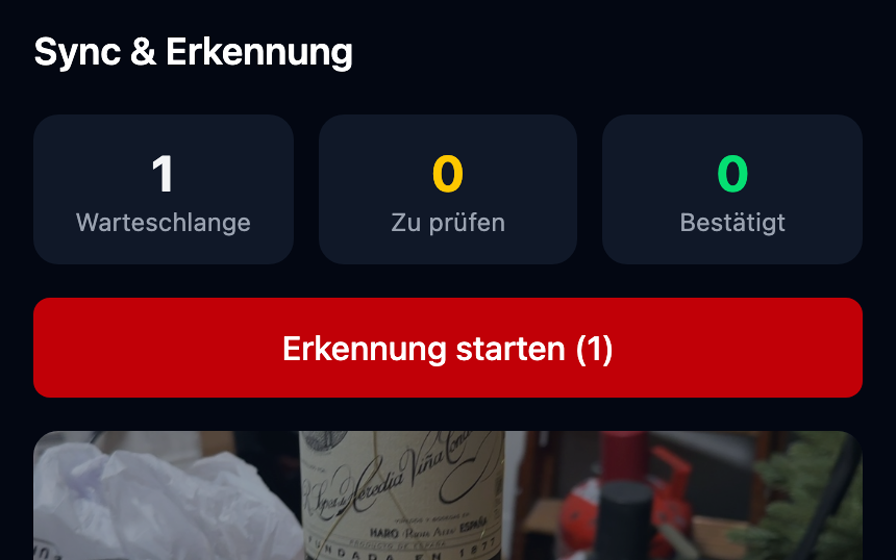
2 · Upload & recognize
Back online? One click uploads everything. The AI reads each label and suggests producer, name, vintage, region and grape.
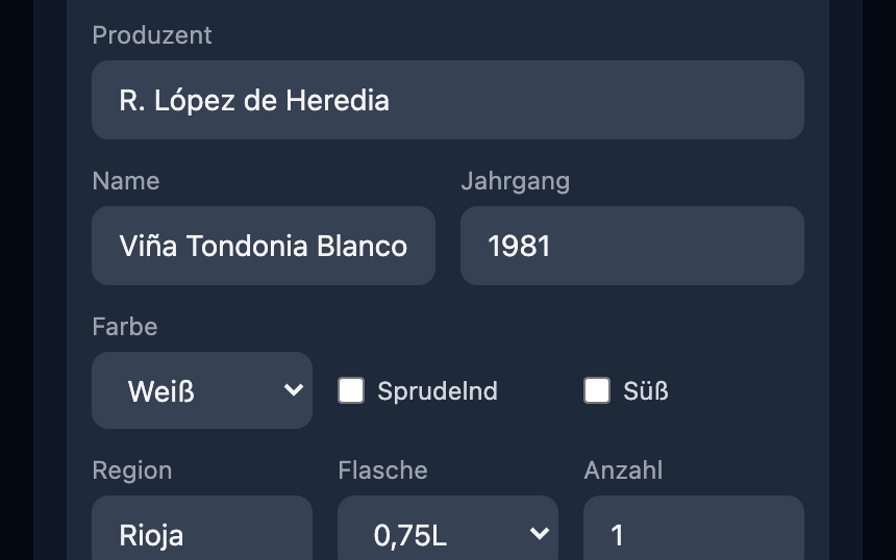
3 · Review & confirm
You see photo and suggestion side by side, correct where needed and confirm. Only then does the wine enter your inventory — you stay in control.
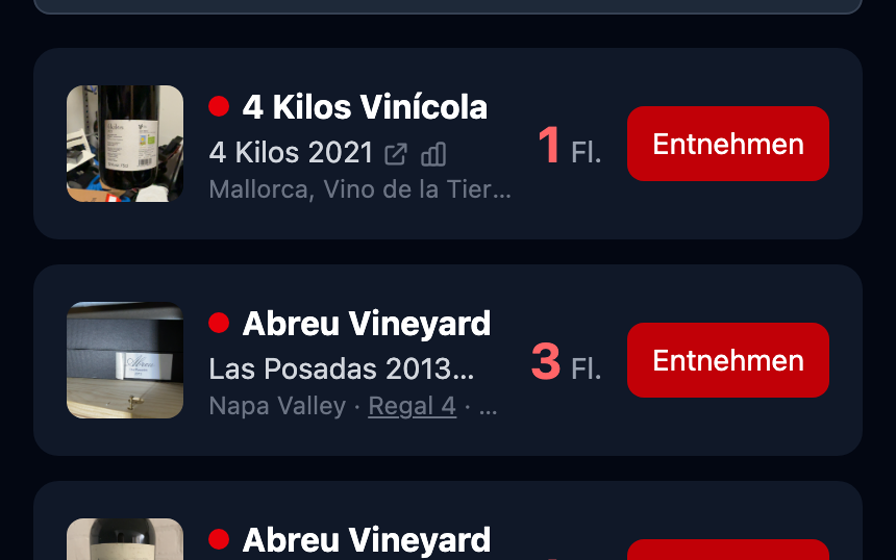
4 · Manage & enjoy
Browse your stock, watch drinking windows, withdraw bottles, invite family. Your cellar, always up to date — on every device.
FAQ
What does vinotally cost?
Nothing during beta. If that ever changes you'll know well in advance — your data is yours and can be exported at any time.
How long does approval take?
Every request is reviewed personally — usually within one or two days. You'll get an email.
Who owns my data?
You. Your tenant is strictly isolated from all others, and you can export your inventory as XLSX at any time.
Does it work in my cellar without signal?
Yes — that's exactly what vinotally is built for. Photos are stored locally and uploaded once you're back online.
Do I need an app from the store?
No. vinotally is a web app you use in the browser and can "install" on your phone (Add to Home Screen).